
To compare revisions in the viewer, follow these steps:
-
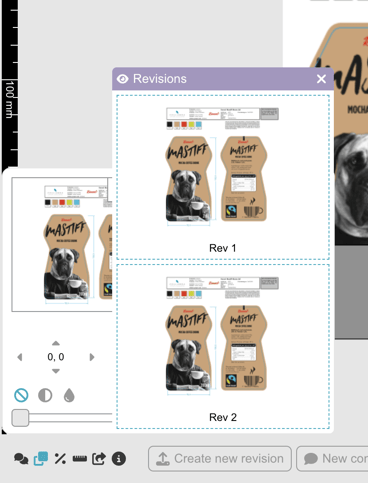
Click the Compare revisions icon in the tools palette at the bottom of the window
-
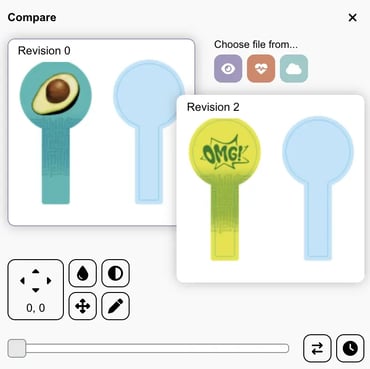
Choose the revision that you'd like to compare to the latest (default).
-
There are different tools to visualize the differences between the revisions; you can try them out to find your favorite. I personally recommend the "clock" Blink on/off option - it blinks between the revisions displaying the corrections with motion. Very effective!
Watch this short clip to learn how to use the compare tool:
Want more tips and tricks? Visit our YouTube channel where we have collected all of our short How To's. Subscribe to be the first to know when a new video is up.